
Affiliate Disclosure: I earn commissions if you shop through the links below at no additional cost to you.
Last Updated on February 27, 2026 by Jeremy
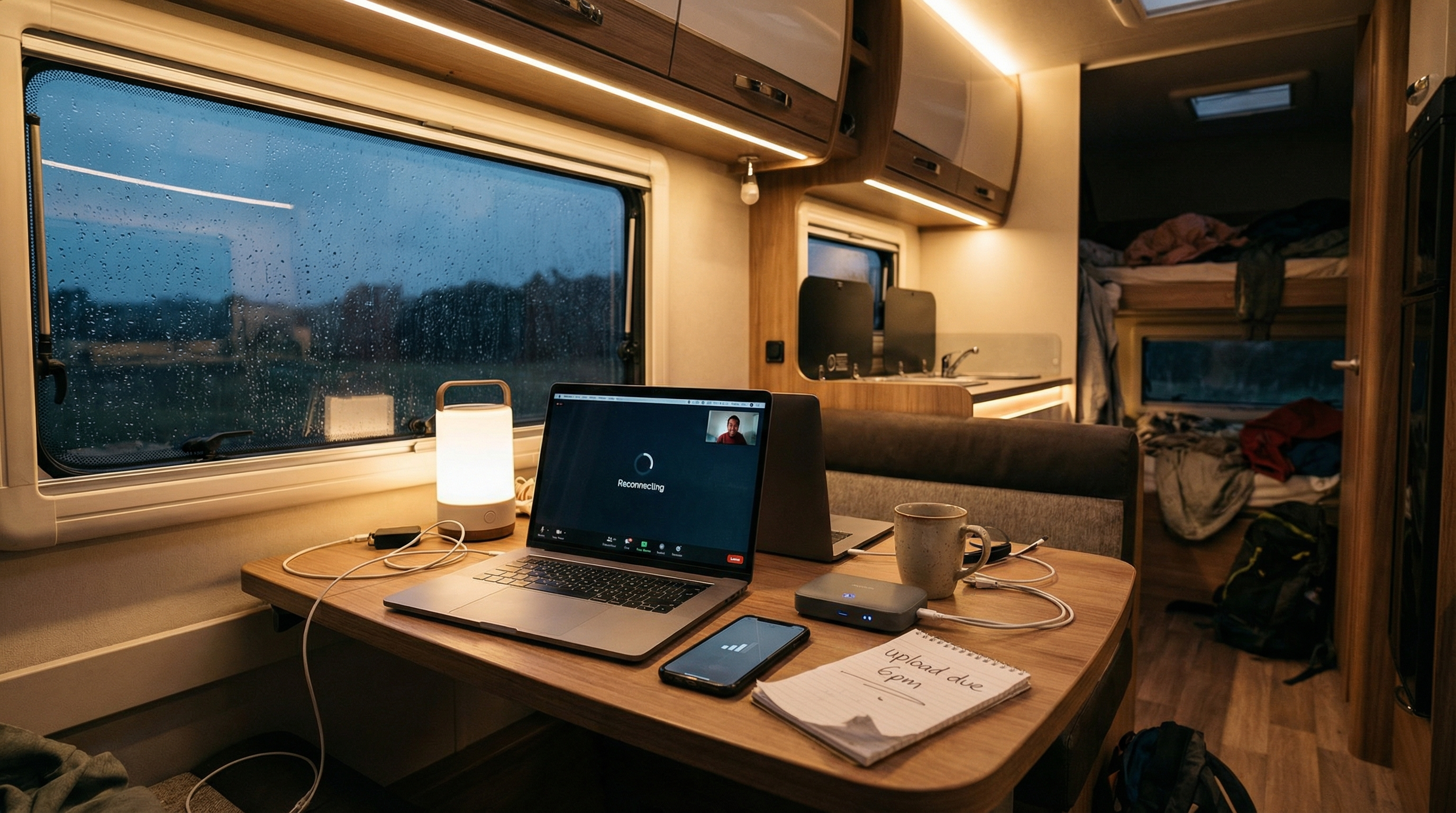
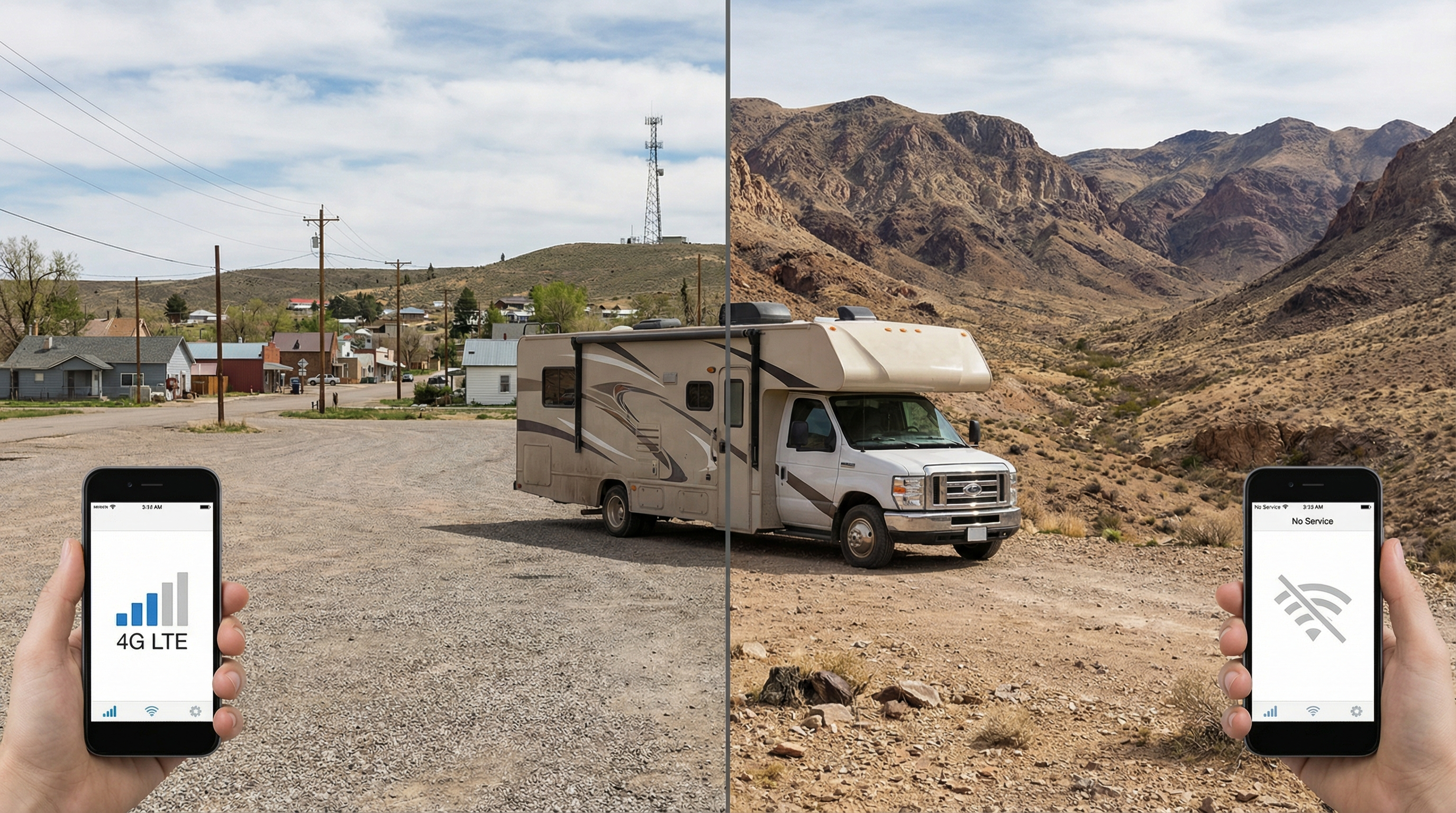
RV internet sounds simple until you are parked somewhere beautiful with one bar of signal, a video call starting in ten minutes, and your “unlimited” plan suddenly acting very limited.
The common mistake is picking a single solution and expecting it to work everywhere. RV travel is too inconsistent for that. Coverage changes by terrain, tower congestion, tree canopy, and even where you parked on the same site.
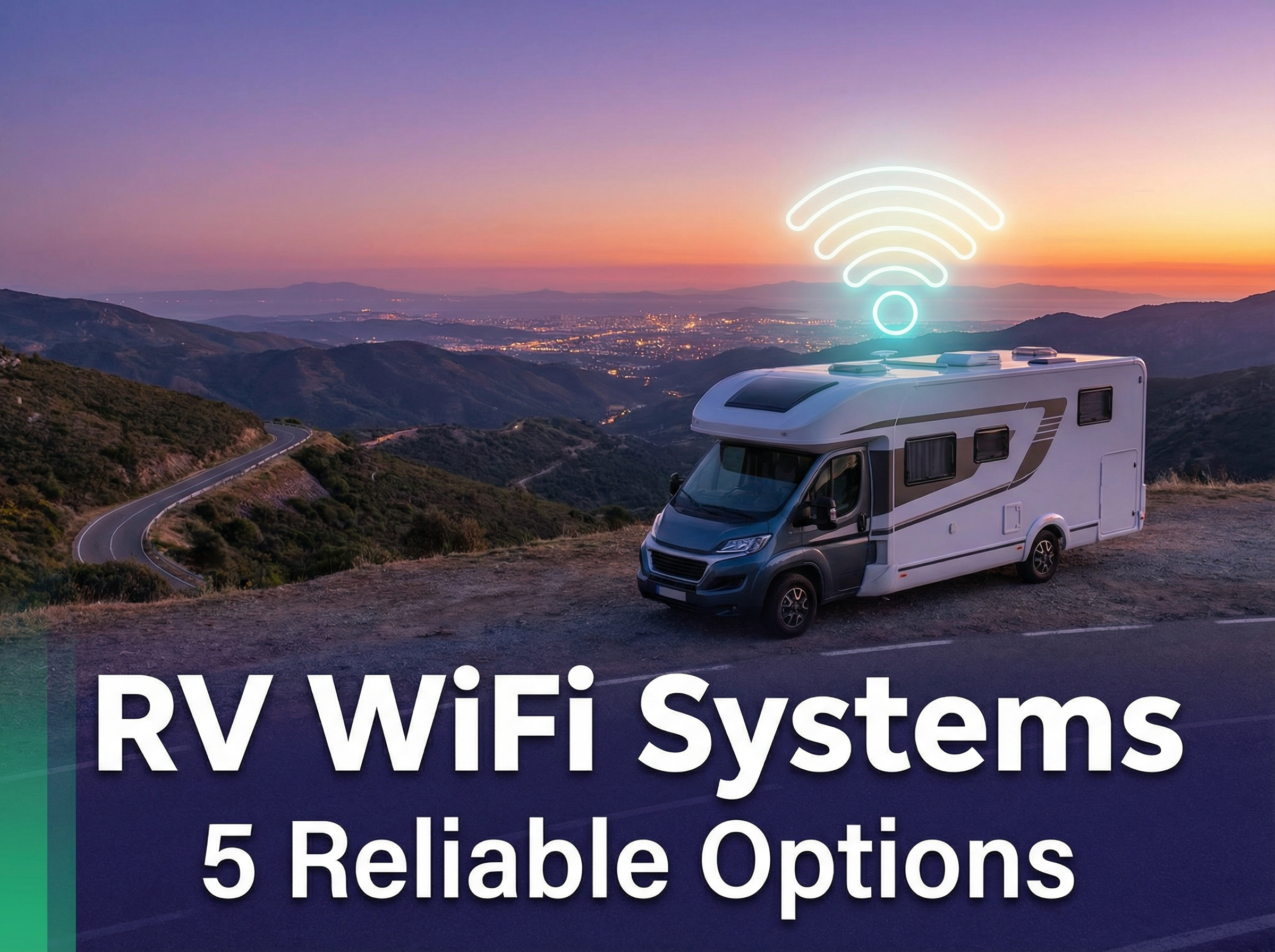
This guide breaks down five reliable options, what they actually do well, where they fail, and how to choose based on how you travel. Teach first, route second.
Why Staying Connected in Your RV Matters
Reliable internet is no longer a “nice to have” for most RVers. It affects navigation, weather updates, campground check-ins, route planning, streaming, and remote work. The problem is not that options do not exist. The problem is choosing an option that matches the way you actually travel.
Reality check: No RV internet solution is perfect everywhere. The goal is to reduce failure points by matching your setup to your travel style, then adding one smart backup that covers your weak spots.

1) Starlink: High-Speed Satellite Internet for RVers
Problem: You boondock or travel where cell towers are weak, overloaded, or simply not there.
Reaction: A cellular plan looks good until you hit the mountains, deep forest, or remote desert.
Solution: Satellite internet can bypass tower coverage entirely.
Overview
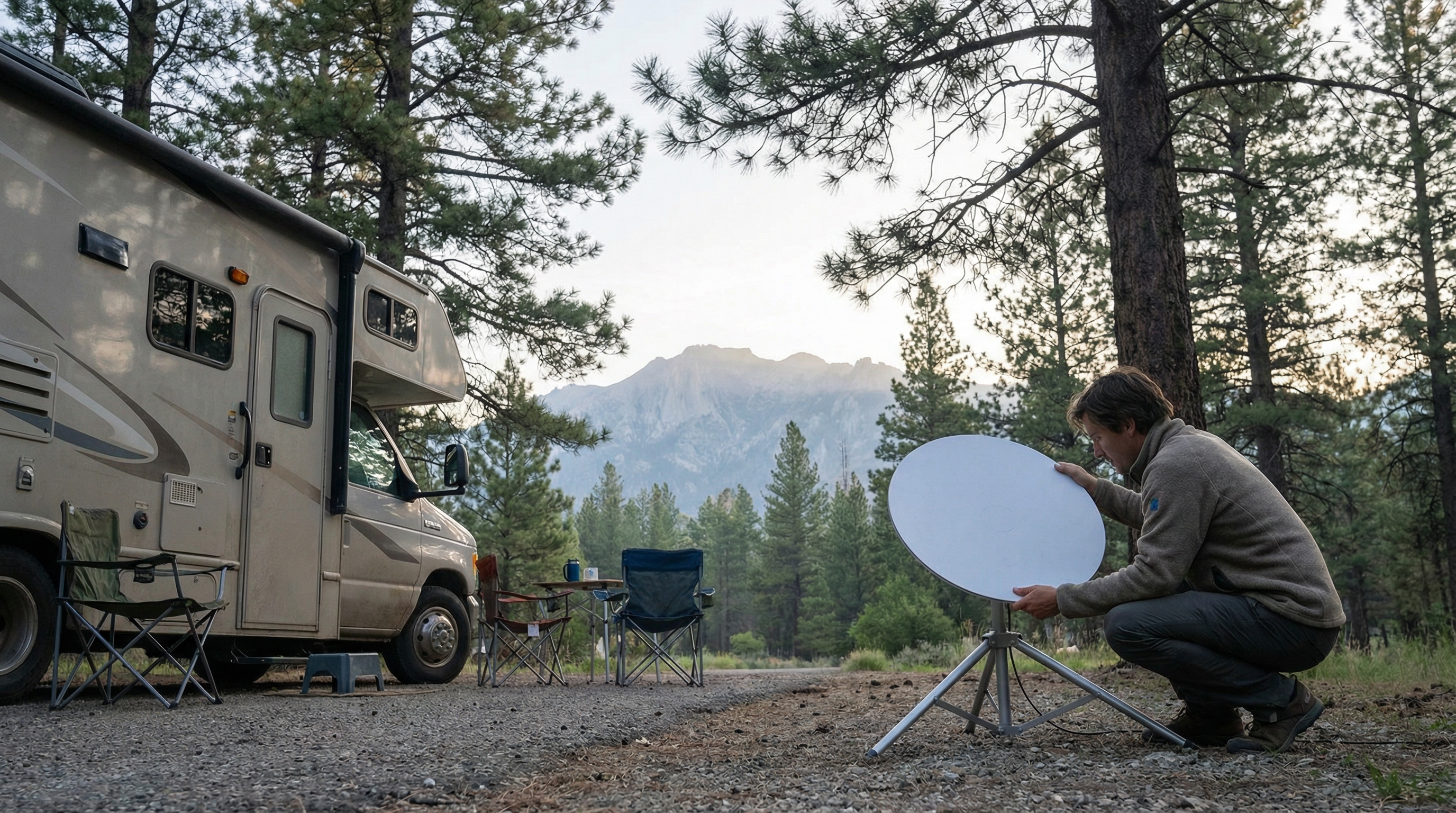
Starlink is often the most reliable “single system” for off-grid travelers because it does not depend on local towers. The catch is that it needs a clear view of the sky. Trees and canyon walls are not a minor issue, they are the whole game.
Pros
- Works beyond cell coverage: Strong option for boondocking and remote routes.
- Good for work and streaming: Typically stable enough for calls and uploads when unobstructed.
- Simple setup: Once you know placement rules, it becomes routine.
Cons
- Sky visibility matters: Trees and cliffs can cause dropouts.
- Power draw: Can be a noticeable load on a solar-only setup.
- Not “set and forget” everywhere: You may reposition depending on campsites.
Best For
- Full-time RVers who spend time in remote areas.
- Remote workers who need service beyond tower coverage.
- RVers who can choose sites with a clear view of the sky.
If you want the Starlink-specific RV angle and what to expect in real campsites, start here: Starlink for RVers (brand page).
External references for planning: FCC Broadband Map and Starlink availability.
2) TravlFi: Cellular & Satellite Hybrid for RVers
Problem: You move between cities, highways, and mixed coverage zones, and you want a simple “traveler friendly” setup.
Reaction: Hotspots work, until they do not, and you are stuck troubleshooting plans, devices, and signal.
Solution: A travel-focused service that aims to reduce setup friction and adapt to different destinations.
Overview
TravlFi is built for the “I travel a lot and need a consistent approach” crowd. It is often positioned as a hybrid-style solution depending on plan and hardware. The main win is convenience and a travel-first mindset.
Pros
- Convenience: Designed for RV travel versus generic home internet.
- Flexible use cases: Useful for mixed travel, not just deep boondocking.
- Good “one box” simplicity: Less DIY than building a full cellular stack yourself.
Cons
- Coverage still matters: Cellular-based performance depends on where you are.
- Plan details matter: Always read the terms and understand real-world limitations.
- Not always the cheapest route: Convenience can cost more than DIY hotspots.
Best For
- Digital nomads who move frequently and want a packaged approach.
- RVers who want less gear stacking and less tinkering.
- Travelers who spend time in both urban and rural destinations.
If TravlFi is on your shortlist, here is the deeper breakdown: TravlFi for RVers (brand page).
3) WiFiRanger: Boosting Existing WiFi Signals
Problem: Campground WiFi is technically available, but it is weak, unstable, or only works near the office.
Reaction: You connect, it drops, and suddenly everything becomes a loading screen.
Solution: A WiFi booster can help you reach and stabilize a weak WiFi signal that already exists.
Overview
WiFiRanger-style systems are not magic internet. They are signal tools. If the park WiFi is overloaded or the upstream service is terrible, a booster cannot fix that. What it can do is grab a weak signal better than your phone or laptop and deliver it more cleanly to your devices.

Pros
- Improves usable range: Helpful when the office WiFi barely reaches your site.
- Better stability: Can reduce dropouts compared to device-only connections.
- Pairs well with cellular: Use WiFi when it is good, fall back to cellular when it is not.
Cons
- Needs an existing signal: No WiFi present means nothing to boost.
- Park congestion is still a thing: If the network is overloaded, speed will suffer.
- Some setup required: Usually involves mounting and configuration.
Best For
- RVers who spend a lot of time in parks with “almost usable” WiFi.
- Travelers who want a low-monthly-cost improvement option.
4) Mobile Hotspots: Portable & Reliable Internet Access
Problem: You want the simplest mobile internet that works well in towns, along highways, and in moderate coverage zones.
Reaction: Campground WiFi is unpredictable, and phone tethering is not always stable.
Solution: A dedicated hotspot can give you a more consistent connection than using your phone as the router.
Overview
Mobile hotspots are one of the most practical starting points for RVers, especially if your travel stays closer to coverage corridors. The key is matching the carrier to where you actually travel, then understanding plan limitations.
Pros
- Easy to use: Portable, quick setup, no roof mounting.
- Good value: Often cheaper than premium travel packages.
- Flexible: Works inside and outside the RV.
Cons
- Coverage-dependent: Dead zones still exist.
- Plan fine print: “Unlimited” can include deprioritization or hotspot limits.
- Congestion: Towers can slow down heavily at peak times.
Best For
- Weekend and seasonal RVers who travel near populated areas.
- Anyone who wants a clean, portable solution before buying bigger gear.
- RVers who already know which carrier works best on their routes.
5) Omnidirectional Antennas: Extend Your WiFi & Cellular Range
Problem: You have a hotspot or router, but the signal is weak inside the rig or unreliable at distance.
Reaction: You keep moving the hotspot around like it is a houseplant that needs sun.
Solution: An external antenna can improve reception and stability when a usable signal exists.
Overview
Omnidirectional antennas are a practical upgrade because they do not require aiming. They are not a dead-zone miracle, but they can turn “barely usable” into “stable enough” in many real campsites.

Pros
- No monthly fees: One-time hardware upgrade.
- Stability boost: Can reduce dropouts when signal is marginal.
- Pairs well with hotspots: Simple “upgrade path” without changing providers.
Cons
- Needs an existing signal: No signal means no signal.
- Performance varies: Terrain, mounting location, and cable routing matter.
- Install complexity: Some setups require routing cables and sealing entries properly.
Best For
- RVers who rely on cellular and want a stability upgrade.
- Rental fleets and frequent travelers who need repeatable setups.
- Anyone who wants better reception without changing carriers.
Decision Framework: Pick Your Best Setup
Instead of asking, “What is the best RV internet,” ask this: Where do I camp, what do I need it for, and how much failure can I tolerate?
| Option | Best Use Case | Fails When | Smart Add-On | Reality Check |
|---|---|---|---|---|
| Starlink | Remote travel, boondocking, work + streaming | Heavy tree cover, canyon walls, poor sky view | Small cellular hotspot as backup | Placement matters more than specs |
| TravlFi | Frequent travel, packaged convenience | Weak cellular zones, plan limitations | External antenna, or satellite backup depending on travel | Read plan terms like it is a contract (because it is) |
| WiFiRanger | Campground WiFi that is “almost usable” | No WiFi available, overloaded park networks | Cellular fallback for reliability | Boosters do not create internet, they capture it |
| Mobile Hotspot | Corridor travel, towns, mixed destinations | Dead zones, congestion, deprioritization | External antenna + signal-aware site selection | Carrier choice matters more than device choice |
| Omni Antenna | Stabilize weak cellular or WiFi signals | True dead zones | Better router, better mounting, better cable routing | Turns marginal into stable, not nothing into something |

Two setups that work for most RVers:
1) Starlink + basic hotspot (remote-friendly with a fallback).
2) Hotspot + omnidirectional antenna (budget-friendly, strong in coverage corridors).
Common Mistakes That Kill RV Internet
- Buying based on one campground experience: Your next stop might be the opposite terrain.
- Ignoring sky view for satellite: Trees are not “a small issue,” they are the issue.
- Trusting marketing words: “Unlimited” and “nationwide” can hide real restrictions.
- No backup plan: If you work online, you need a second path.
- Bad mounting and routing: Antennas and cables installed poorly create intermittent problems that look like “bad service.”
- Not testing at arrival: Run a quick check, then reposition early before you settle in.
Simple habit that saves headaches: test signal, test speed, then decide where the workspace sits in the rig. Ten minutes early beats two hours of frustration later.
FAQs
What is the most reliable RV internet option overall?
For many off-grid travelers, satellite-based service is often the most consistent option because it does not rely on local towers. If you camp under heavy tree cover or in canyons, a strong cellular setup can be more reliable than satellite in those specific spots.
Can I work remotely from an RV using just a hotspot?
Yes, if your travel stays within decent coverage zones and you have a plan that performs well on your routes. The moment you add remote boondocking or congested destinations, a backup option becomes important.
Do omnidirectional antennas actually help?
They help when there is a usable signal to improve. They can stabilize a marginal connection and reduce drops. They will not fix true dead zones where there is no signal at all.
Is campground WiFi ever “good enough”?
Sometimes, but it is inconsistent. A WiFi booster can help you capture a weak signal, but it cannot fix an overloaded network. If you depend on internet for work, do not make campground WiFi your only plan.
What is the smartest two-layer setup for most RVers?
Either satellite plus a basic cellular fallback, or cellular plus an antenna upgrade. Which one is smarter depends on where you camp: deep remote routes lean satellite, coverage corridors lean cellular.
Final Thoughts: Which RV WiFi Solution is Right for You?
The best RV WiFi system is the one that matches how you travel, not how a product page wants you to travel. If you boondock in remote places, satellite solutions can remove the tower problem, but you still need sky visibility. If you stay closer to towns and highways, a well-chosen cellular plan plus the right antenna can be a clean, budget-friendly setup.
If you want to go deeper on the two most searched options in this guide, these pages break them down in real-world RV terms: Starlink for RVers and TravlFi for RVers.
Still have questions? Drop a comment below and include where you typically camp (forest, desert, mountains, RV parks), plus what you need internet for (work calls, streaming, browsing, gaming). That detail changes the answer fast.




.jpg/:/cr=t:5.56%25,l:0%25,w:100%25,h:88.89%25/rs=w:1240,h:620,cg:true)



Leave a Reply