

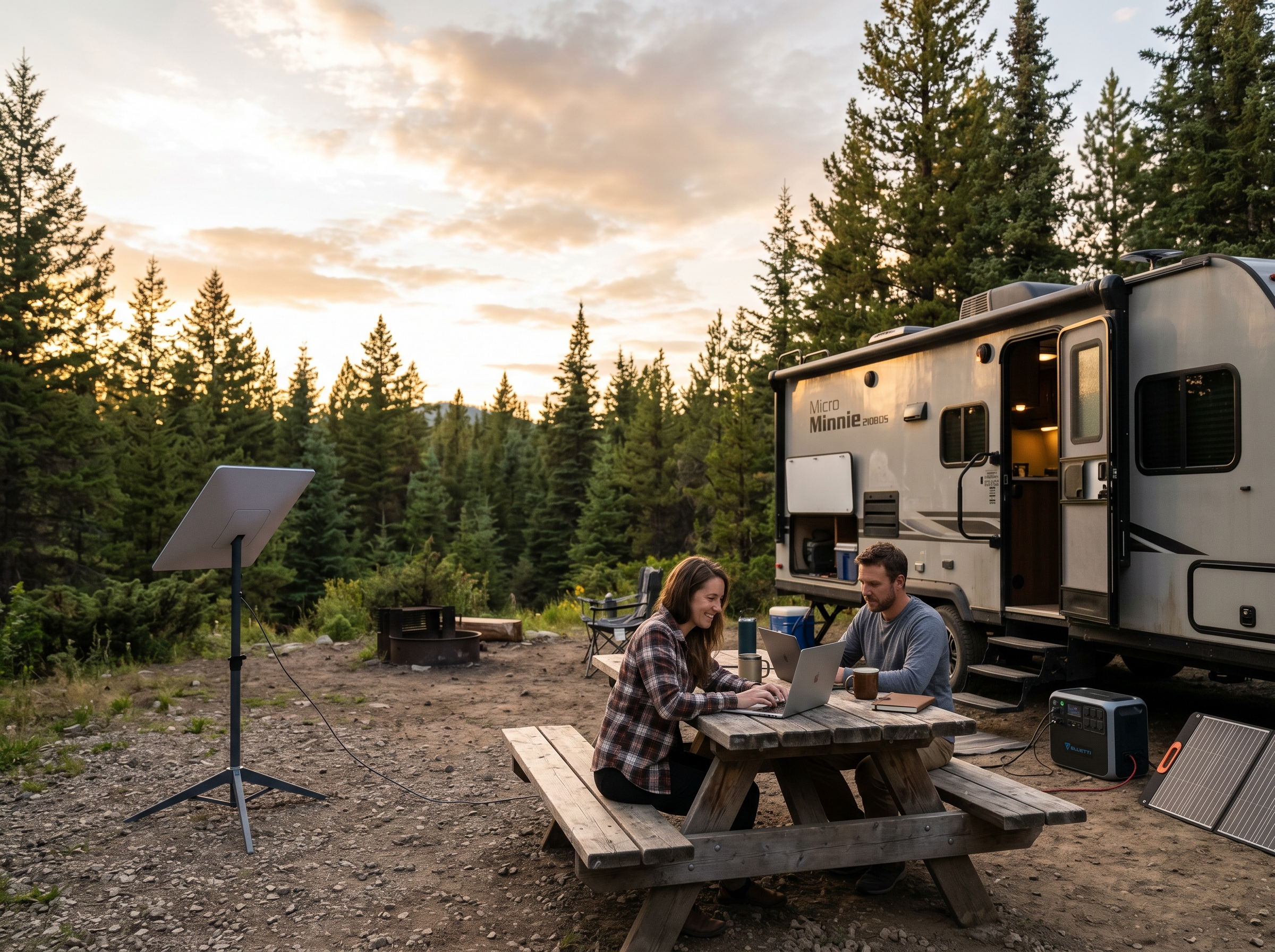
Last Updated on September 14, 2026 by Jeremy
If you RV in Canada, work online, travel off-grid, or spend summers hopping between campgrounds, internet becomes one of those topics that starts out boring and then suddenly becomes very important. Usually right around the moment your campground Wi-Fi collapses under the weight of 47 people streaming movies at the same time.
That is where Starlink starts to make sense for a lot of RVers. I first used a borrowed Starlink setup in Costa Rica, and even that experience changed how I looked at internet on the road. When you are in a place where regular service is weak, unreliable, or shared by too many people, having a connection that feels like your own is a pretty big deal.
Eventually, we bought our own Starlink because the long-term math started making more sense. We were paying for connectivity anyway, and for our RV, travel, online work, and Costa Rica winters, reliability mattered. That does not mean Starlink is perfect. Trees matter. Power draw matters. Cost matters. But if you use it properly, it can be one of the strongest RV internet options in 2026.
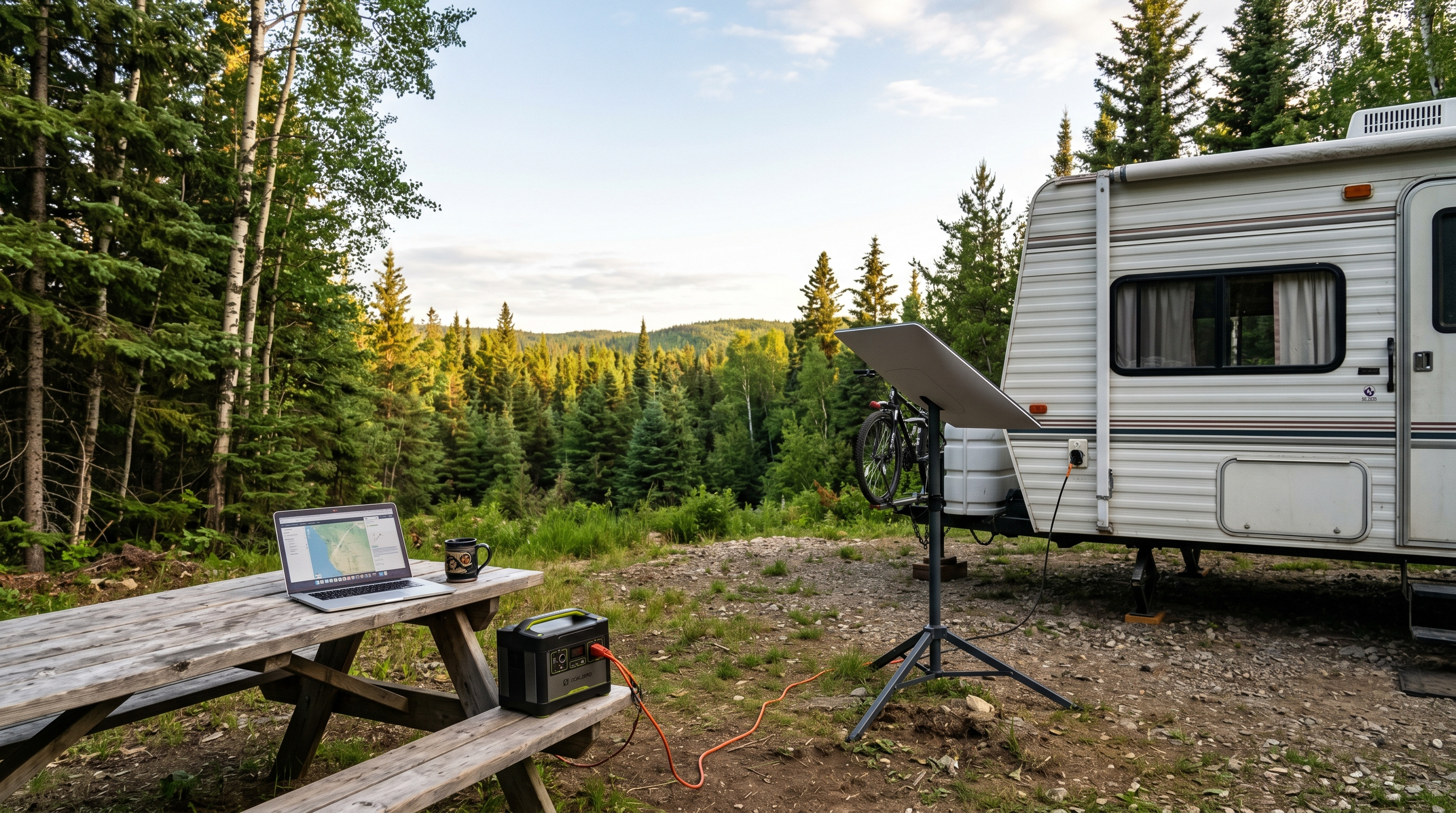
Image note: Some images in this guide are AI-generated visual aids. They are meant to show general setup ideas and may not represent exact Starlink hardware placement, cable routing, or real-world installation requirements.
Quick Answer: Is Starlink good for RV setup in Canada?
- Yes, Starlink can be one of the best RV internet options for Canadian RVers, especially for remote camping, off-grid travel, and work-from-anywhere setups.
- The biggest setup requirement is a clear view of the sky. Trees are the sneaky little villains in this story.
- A standard roam setup works well for many RVers who want portable internet without permanent mounting.
- Power draw is worth planning for if you boondock, especially if you rely on batteries, solar, or a portable power station.
- Starlink is strongest when paired with a backup option like cellular data or Roamless for travel days, towns, and areas where satellite placement is poor.
What Starlink actually is
Starlink is satellite internet from SpaceX. Instead of relying on campground Wi-Fi, a local cable provider, or a cell tower, Starlink connects through a satellite dish that communicates with satellites overhead.
For RVers, the appeal is simple. You can set up internet in places where traditional service may not exist or may be painfully weak. That makes it especially useful for remote campgrounds, rural lots, crown land, boondocking spots, work camping locations, and long-haul travel.
The key thing to understand is that Starlink is not magic internet from the sky that ignores reality. It needs power, a clear sky view, and the right service plan for your travel style.
For a deeper look at RV internet systems in general, you can also read RV WiFi Systems: What Actually Works for Internet on the Road.
How RVers use Starlink
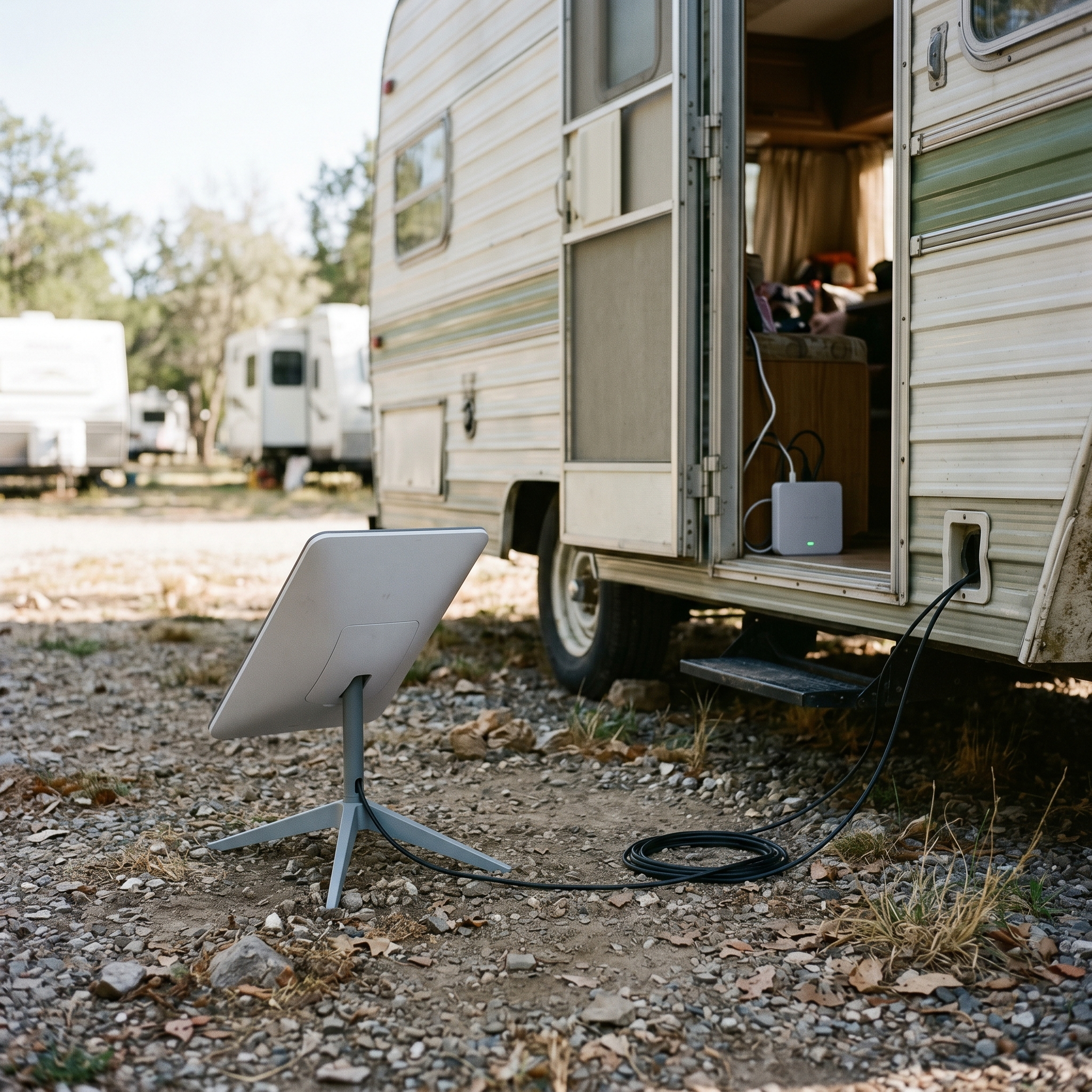
Most RVers use Starlink in one of three ways.
- Portable campsite setup: Set the dish outside on a stand when you arrive, aim it toward open sky, and bring it back in when you leave.
- Semi-permanent setup: Use a pole mount, ladder mount, or portable elevated setup when parked for longer stays.
- Permanent RV mount: Install hardware on the roof or another fixed location, usually for people who want a cleaner and faster setup each stop.
We have not permanently mounted ours yet. For now, the standard roam setup makes more sense because we can move the dish around the site to find the best sky view. That flexibility matters in Canada, especially when campgrounds tuck you under trees like they are trying to hide your RV from satellites on purpose.
Portable setup is less glamorous than a clean roof mount, but it often works better in treed campgrounds because you can move the dish away from obstructions.
Starlink RV setup process: the practical version
The basic Starlink RV setup is fairly simple. The harder part is learning how to set it up well instead of just tossing the dish on the ground and hoping the internet gods are in a generous mood.
Step 1: Pick the best spot before unpacking everything
Walk around the campsite first. Look for the biggest patch of open sky. Do this before you run cables, set up the router, and declare victory. If you are in a forested campground, the best spot for the dish may not be beside the RV.
Step 2: Place the dish on stable ground
Use the included stand or a stable portable stand. Try to keep it away from vehicle paths, kids playing, dogs on leashes, and that one person who walks through campsites like roads are optional.
Step 3: Run the cable safely
Run the cable where it will not become a trip hazard or get pinched by a door, slide, tire, stabilizer jack, or picnic table. Cable damage is one of those annoying problems that usually happens when everyone is already tired.
Step 4: Power the router
Plug the system into your RV power, inverter, or portable power station depending on your setup. If you are plugged into shore power, this is easy. If you are off-grid, power planning matters more.
Step 5: Use the app and check for obstructions
The Starlink app helps you scan for obstructions and check performance. If you are getting dropouts, the answer is often not “Starlink sucks.” It may simply be that a tree branch is sitting exactly where the dish wants to see satellites.
The tree obstruction reality RVers need to understand
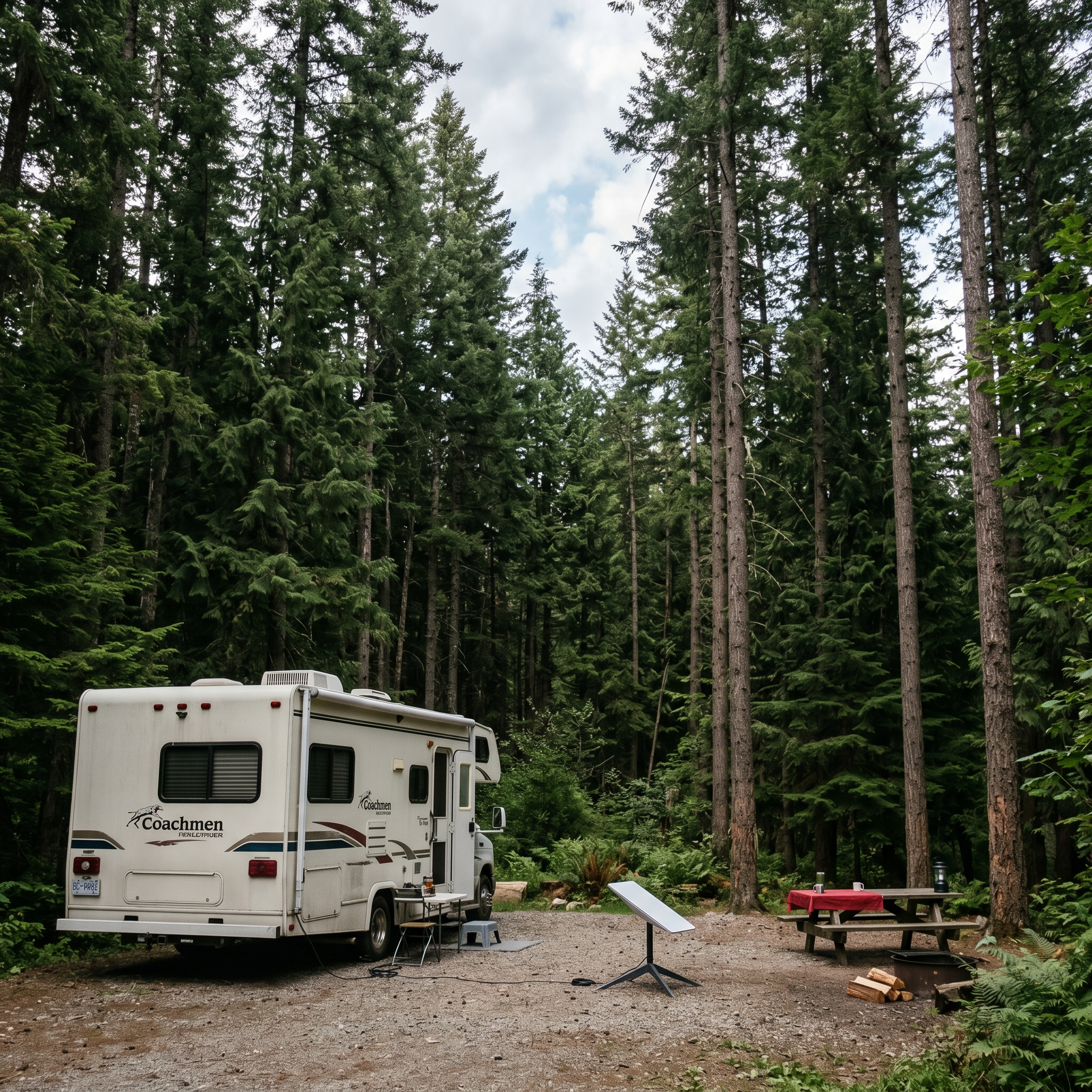
This is probably the most important part of any Starlink RV setup guide: trees matter. A lot.
Campers often hear “satellite internet” and assume it works anywhere as long as they can see a little sky. That is not how it feels in a heavily treed campground. Starlink needs a wide, mostly clear view of the sky. If branches block the satellite path, you can get interruptions, slowdowns, or frustrating dropouts.
During campground seasons, I have heard plenty of campers say the same thing. Starlink is great when it has a clear view, but trees are the downside. And in British Columbia campgrounds, trees are not exactly rare. They are kind of the whole brochure.
| Site Type | Starlink Experience | Setup Tip |
|---|---|---|
| Open field or lakeside site | Usually best performance | Place dish away from foot traffic and confirm sky view in the app. |
| Partially treed campground | Can work well with careful placement | Move the dish around before settling in. |
| Dense forest site | Most likely to have interruptions | Use a longer cable setup or elevated mount if practical. |
| Urban RV park | Usually workable, but buildings can interfere | Avoid placing the dish beside tall structures or under awnings. |
If your campsite is buried under trees, a cellular backup may outperform Starlink for that stay. That is not failure. That is just the reality of RV internet.
Power considerations for off-grid Starlink installation
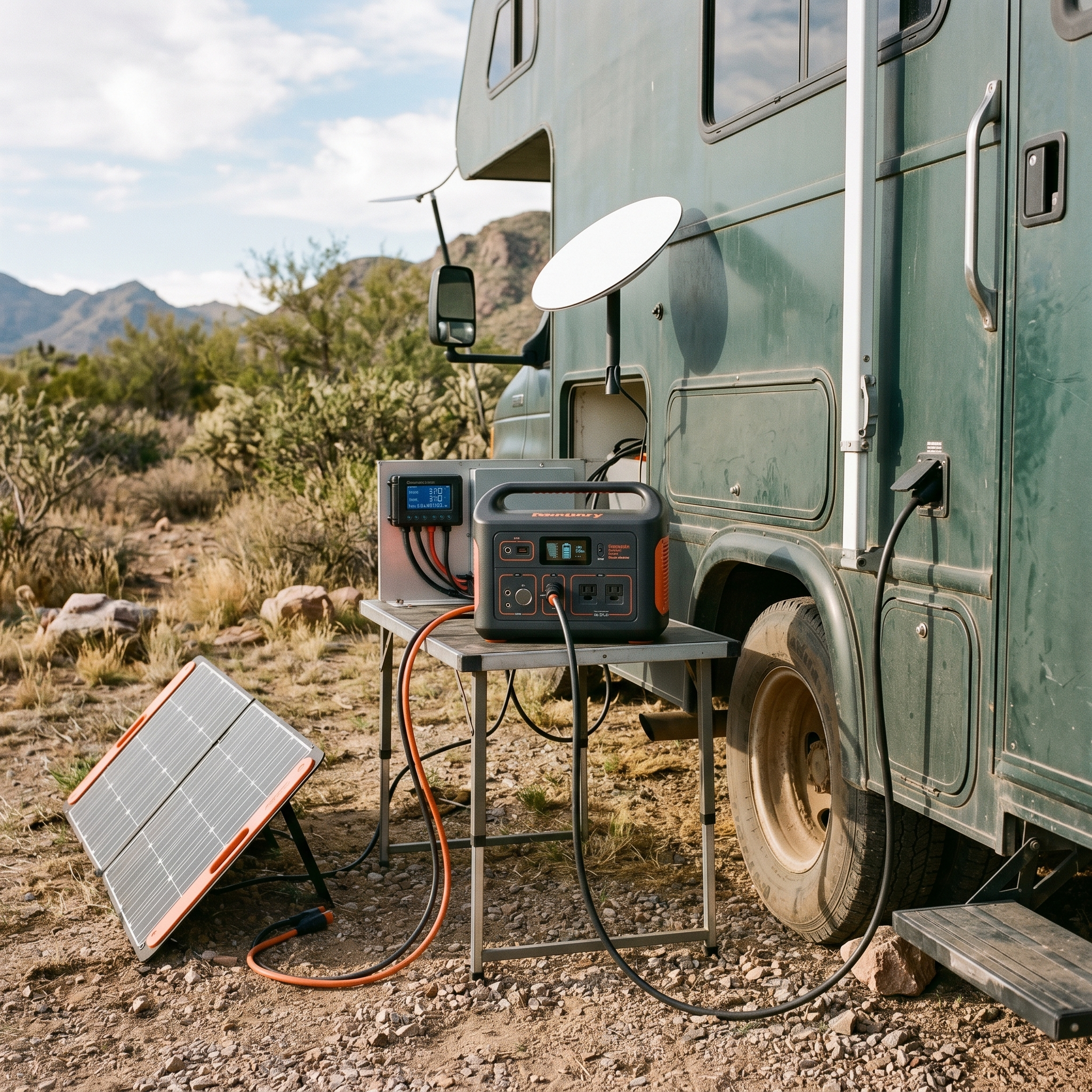
Power draw is one of the common Starlink concerns RVers bring up, especially boondockers. If you are plugged into shore power, you probably will not think about it much. If you are running batteries and solar, you need to plan for it.
Your actual power use depends on the hardware, router, weather, usage, and how long you leave the system running. But the practical point is simple: Starlink is not a tiny phone hotspot sipping power in the corner. It is a real internet system, and it needs real energy.
Off-grid power tips
- Do not leave Starlink running all day if you only need it for a few work blocks.
- Track your battery usage during your first few trips.
- Use solar or a portable power station if you work online while boondocking.
- Consider your inverter efficiency if running from RV batteries.
- Plan for cloudy days, not just the perfect sunny days everyone talks about online.
The power draw is not necessarily a deal-breaker, but it is something you should respect. Off-grid systems reward people who pay attention and punish people who say “it’ll be fine” too confidently.
Using Starlink in Canada as an RVer
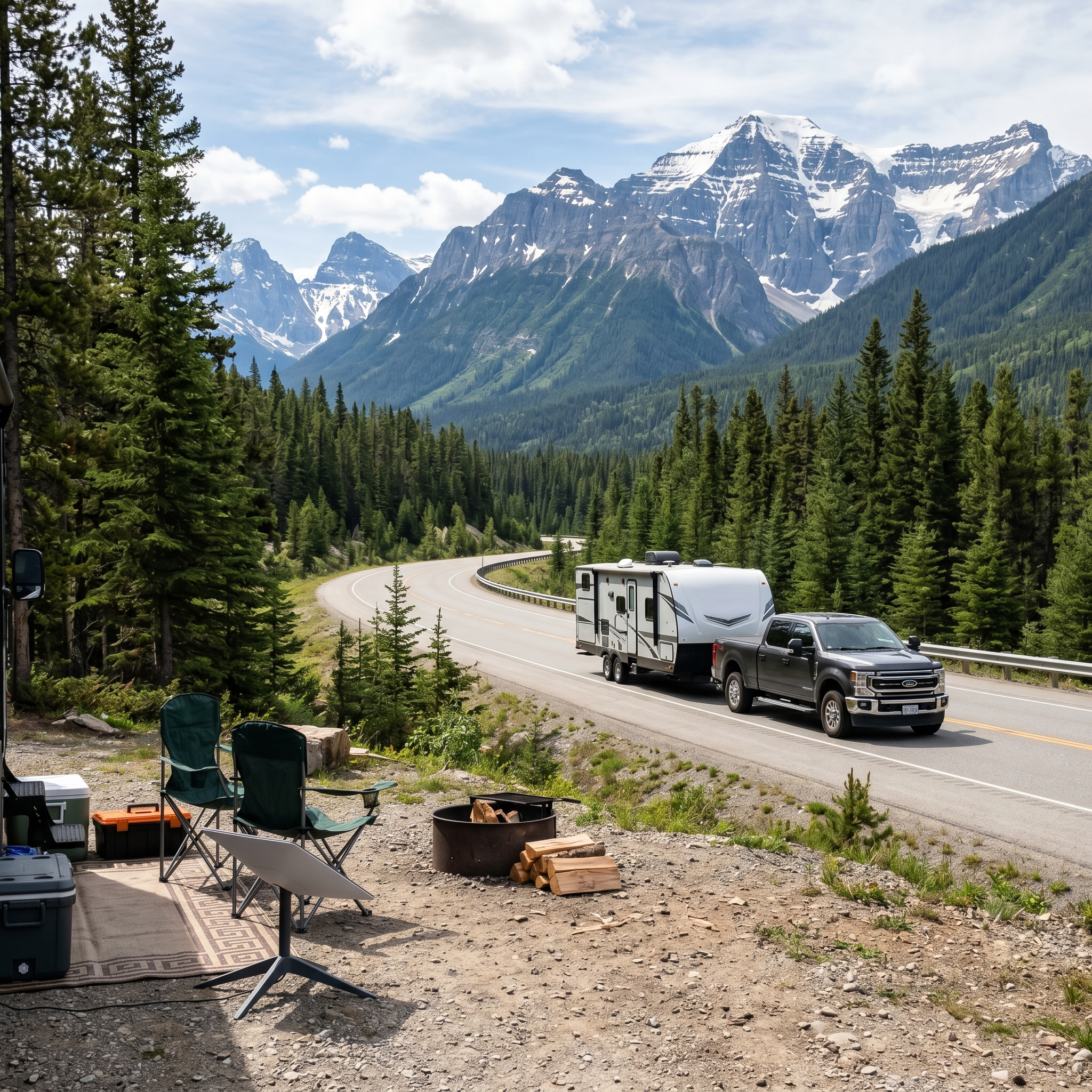
For Canadian RVers, Starlink can be especially useful because so many great camping areas are outside reliable cell coverage. Once you get away from towns, highways, and major corridors, normal mobile data can become a guessing game.
Starlink’s Canada Roam page currently positions Roam service for remote locations, camping, travel, and work on the go, with service starting at $75 per month. Always check current pricing directly before buying, because Starlink plans and hardware promotions change more often than most RVers change sewer gloves.
For our own use, service pause flexibility has mattered. When we came back to Canada and were connected to someone else’s Wi-Fi while house-sitting, we paused our standard roam service instead of paying for something we were not actively using. That flexibility can make the cost easier to handle if your RV travel is seasonal.
If you are only using Starlink for part of the year, check the current pause, cancel, or standby rules before assuming the old policy still applies.
Starlink setup cost for RVs in 2026
The cost of a Starlink RV setup depends on the hardware you choose, your country, your service plan, taxes, shipping, and any mounts or power upgrades you add. Canada pricing can also differ from U.S. pricing, so treat exact numbers as something to verify at the time you order.
| Cost Item | What It Covers | RVer Notes |
|---|---|---|
| Starlink hardware | Dish, router, cables, and base kit | Watch for promotions, but do not buy on hardware price alone. Make sure the plan fits your travel style. |
| Monthly Roam service | Portable internet service for RV use and travel | Canada Roam service currently starts at $75/month on Starlink’s Canada page. |
| Mounts or stands | Tripod, pole mount, ladder mount, or roof mount | Portable placement is often better than permanent mounting in treed campgrounds. |
| Power upgrades | Battery, solar, inverter, or power station support | Important for off-grid travelers using Starlink for work. |
| Backup connectivity | Cellular plan, eSIM, hotspot, or travel data | Useful when trees, travel days, or local conditions make Starlink less practical. |
The long-term math depends on your lifestyle. If you only camp three weekends a year, Starlink may feel expensive. If you work online, travel remotely, spend winters outside Canada, or need reliable internet for your RV life, the cost becomes easier to justify.
For a cleaner overview of the brand and why it fits RV life, visit Starlink for RVers.
Starlink vs hotspot: which is better for RV internet?
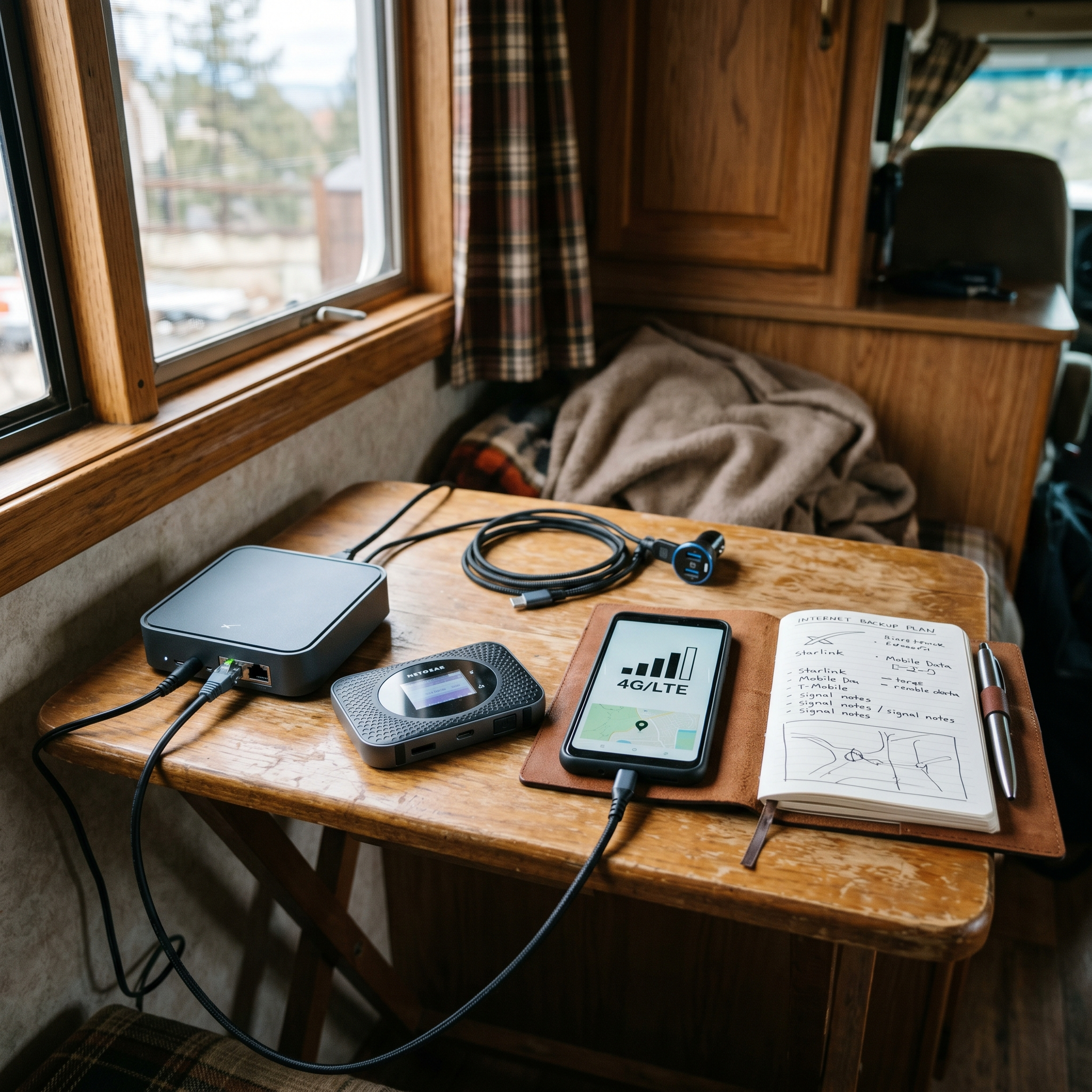
This is not really a one-or-the-other decision. The best RV internet setup in 2026 is usually a layered system.
| Option | Best For | Weak Spot |
|---|---|---|
| Starlink Roam | Remote camping, off-grid work, rural RV stays, areas with weak cell service | Trees, power draw, equipment cost, and plan cost |
| Cell hotspot | Towns, highways, quick stops, places with strong cell coverage | Weak rural coverage and data limits |
| Campground Wi-Fi | Light browsing when it works | Often overloaded, inconsistent, or too slow for real work |
| eSIM backup like Roamless | Travel backup, quick data, border crossing, phone-based connectivity | Still depends on available cellular networks |
For our own setup, Starlink handles the serious internet need when we use it, while Roamless makes sense as a backup connectivity option. That matters when we are between setups, traveling, using someone else’s Wi-Fi, or in a place where we just need data without firing up the full Starlink kit.
That is the real lesson: do not build your RV internet system around one perfect solution. Build it around failure points. If Starlink has trees, use cellular. If cellular is weak, use Starlink. If campground Wi-Fi works, enjoy that rare unicorn and try not to scare it away.
Best backup systems for Starlink RV users
If internet matters for work, safety, banking, route planning, or staying in touch with family, you need a backup plan.
- Cellular hotspot: good for towns, highways, and lighter use.
- eSIM backup: useful for travel, especially if you cross borders or need flexible data.
- Campground Wi-Fi: fine as a bonus, but risky as your main plan.
- Offline tools: download maps, documents, and work files before travel days.
- Power backup: battery, solar, or power station if Starlink is part of your work setup.
A backup plan is not overkill. It is what keeps one bad campsite from becoming three days of internet drama.
Common Starlink RV setup mistakes
Most Starlink frustrations come from setup habits, not the system itself. Here are the mistakes I would watch for first.
- Setting up under trees and expecting perfection: the dish needs open sky, not emotional support.
- Running cables where people walk: trip hazards and damaged cables are not a great internet strategy.
- Ignoring power use while boondocking: plan your battery and solar around actual usage.
- Assuming one internet source is enough: remote RV life rewards backups.
- Buying mounts too soon: use the system portably first so you learn your real setup needs.
- Forgetting plan flexibility: seasonal RVers should understand pause, cancel, or standby rules before relying on them.
Is Starlink worth it for RVers in 2026?
For many Canadian and North American RVers, yes. Starlink can be worth it if you travel remotely, work online, camp off-grid, or need more reliable internet than campground Wi-Fi and mobile hotspots can provide.
It is probably not worth it if you only camp casually in well-serviced areas, rarely need internet, or already have strong cellular coverage everywhere you go. But for RVers who depend on connectivity, Starlink changes the conversation.
For us, the turning point was reliability and long-term use. Borrowing Starlink in Costa Rica showed us what it could do. Buying our own made sense because internet was not just entertainment. It was work, communication, planning, and having something that felt like ours when the rest of RV life was constantly moving.
Starlink is not perfect. But if your RV lifestyle depends on internet, it can be one of the most important tools you bring along.
Quick Starlink RV setup checklist
- Choose the right Starlink plan for your travel style.
- Test the system at home before relying on it off-grid.
- Use the app to check for sky obstructions before final setup.
- Keep the dish portable until you understand your campsite needs.
- Plan for power draw if using batteries, solar, or a portable power station.
- Carry a backup internet option like cellular data or Roamless.
- Protect cables from pinching, tripping, weather, and campsite traffic.
- Check current pause, cancel, or standby options before seasonal use.
If you are comparing internet setups before the 2026 camping season, start with RV WiFi Systems, then check the Starlink for RVers brand page for a cleaner brand overview.
If you want more of the behind-the-scenes story of what happens when travel slows down, work changes, and the road forces a rethink, read When the Wheels Stop Turning.
Sources and further reading
FAQ
How do you set up Starlink RV in Canada?
Set the dish in an open area with a clear view of the sky, connect the cable to the router, power the system, and use the Starlink app to check for obstructions. In Canada, trees are often the biggest setup challenge for RVers.
Does Starlink work for off-grid RV camping?
Yes, Starlink can work very well for off-grid RV camping when it has clear sky access and enough power. It is especially useful in areas where campground Wi-Fi and cellular service are weak or unavailable.
How much does a Starlink RV setup cost?
The cost depends on your hardware, country, service plan, mounts, taxes, and power setup. Starlink Canada currently lists Roam service as starting at $75 per month, but RVers should always check current pricing before ordering.
Can Starlink replace a mobile hotspot?
Starlink can replace a hotspot in many remote areas, but most RVers are better off using both. Starlink is strong for off-grid and rural locations, while cellular hotspots are useful for travel days, towns, and treed campsites where Starlink may struggle.
Do trees block Starlink for RVers?
Yes. Trees can obstruct the satellite connection and cause slowdowns or dropouts. Portable placement often works better than permanent mounting because you can move the dish to the clearest part of the campsite.
Is Starlink worth it for RVers in 2026?
Starlink is worth considering if you work online, camp off-grid, travel through rural areas, or need reliable internet beyond campground Wi-Fi. It may be overkill for occasional campers who mostly stay in areas with strong cellular service.


Leave a Reply